
SwimComposer Guide
SwimComposer is a technology probe for authoring narrative visualizations in motion in swimming videos.
1. Quick Start
- Select a competition: choose the race dataset from the header picker.
- Add a layer: use the left panel to enable a metric or athlete-info layer.
- Edit the layer: the right panel lets you change representation, placement, visibility, styling, lane selection, and live-data behavior.
- Arrange timing: use the timeline to move through the race and define when layers or view modes should appear.
- Export: use the Export menu to render video output or download the current edited state as JSON.
2. Header
- Competition: switches the race video.
- Help: opens this guide.
3. Left Panel: Data Layers
The left panel is where you add or remove overlay layers. Clicking a layer opens its settings; the toggle button enables or disables it.
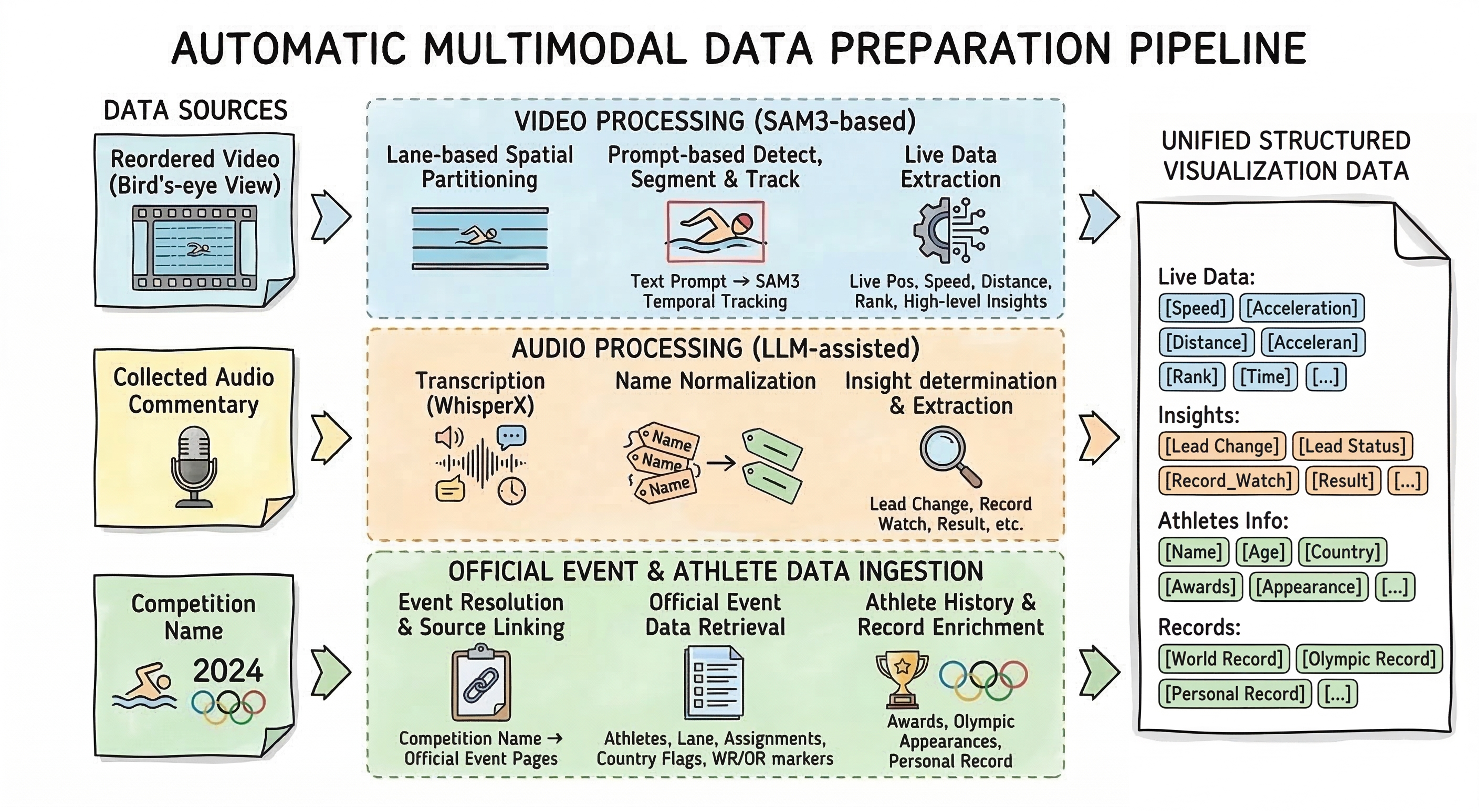
- Live Data: real-time metrics such as speed, distance, rank, or comparison values.
- Insights: commentary-oriented layers such as leader status, result, and final-time annotations.
- Athletes Info: persistent athlete details such as name, country, age, major awards, and Olympic appearances.
- Records: record references such as world record, Olympic record, and personal record.
4. Center Panel: View Modes and Timeline
- Overview: shows the full field with optional highlighting.
- Tracking: follows a swimmer or camera target with motion settings and zoom.
- Comparison: creates focused comparison layouts between selected swimmers.
- Play / Speed: preview the sequence at different playback rates.
- Timeline scrubber: jump to any time in the race and inspect how layers look at that exact frame.
- Recorded mode segments: the timeline rows below the video show saved View Mode, playback-rate, and layer segments over time.
5. Right Panel: Layer Settings
- Representation: switch how a layer is drawn, for example text, bar, line, arrow, medal, or pie.
- Placement: control whether the layer follows the swimmer, uses projection, offsets, or segment animation.
- Appearance: set scale, rotation, opacity, and color when the layer type supports them.
- Live Data: for supported live-data layers, adjust the update interval.
- Representation Style: fine-tune visual properties such as sizes, colors, line widths, font family, spacing, or bar scales.
- Advanced Style: edit the current layer parameters as a CSS-like text block and apply them directly.
- Active Lanes: choose which swimmers a layer applies to, either by lane number or by Top 1-8 rank selection.
- Compare Target: for comparison metrics, define the reference swimmer or record.
- Layer: control overall layer visibility.
6. Saving and Resetting
- Save Layer Settings: saves the current layer configuration as the local default for this competition.
- Import JSON Settings: imports a settings JSON into the current competition and replaces the current authoring state.
- Reset Local Settings: removes the saved local settings and reloads the competition preset.
7. Export
- Render export: captures the composed overlay output as media.
- Current State JSON: exports the current edited state, including the latest unsaved adjustments visible in the UI.
8. Practical Notes
- Use Lane selection when you want a layer to stay on a physical lane.
- Use Top 1-8 selection when the layer should follow race ranking rather than lane identity.
- Turn on Projection in Layer Settings when you want the layer to stay visually aligned with the camera perspective. This is especially useful in Tracking view, where projected layers keep the overlay consistent with the shot geometry instead of behaving like flat screen-space graphics.